
construction inspection software
Construction Inspection Software for Every Project Phase
New construction moves fast, and a missed framing defect or a skipped rough-in check can turn into a costly rework later. Inspect Ace lets construction inspectors document foundation, framing, mechanical rough-in, insulation and final walkthrough phases on a phone, with photo evidence tied to every finding.
What you get with construction inspection software
Phase-specific templates
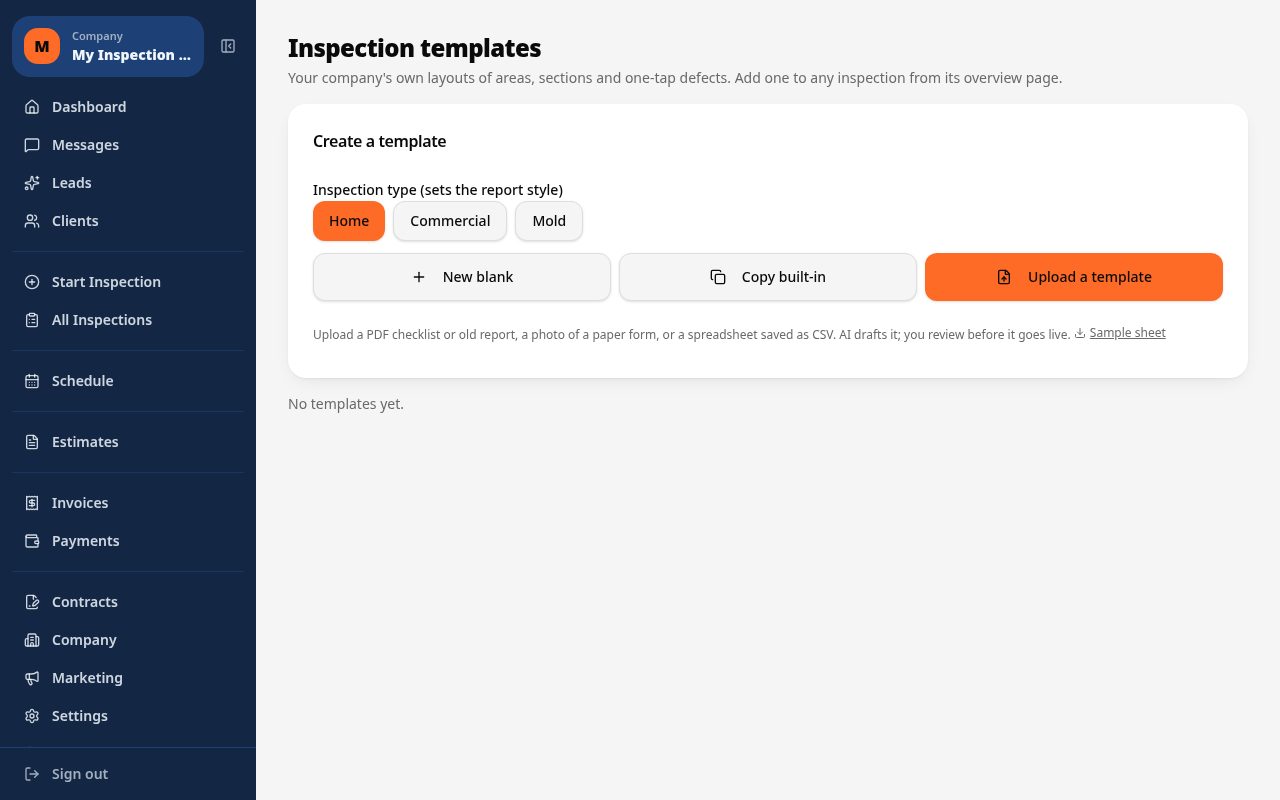
Separate templates for pre-pour, foundation, framing, rough-in, insulation and final walkthrough keep each phase inspection focused on what actually needs checking at that stage.
One-tap defect buttons
Flag common builder call-backs like out-of-square framing, missing fire blocking or improper flashing with a tap, auto-filling the observation, severity and recommendation.
Photo and video documentation
Capture photos and video of framing, rough-ins and insulation before they get covered up, giving you a permanent visual record tied to each defect.
Punch list tracking
Log outstanding items at the final walkthrough and track them through to resolution so nothing gets forgotten before closing.
Material selection per section
Record the foundation type, roofing material, siding and slab specifications for each phase so the report matches the actual build, not a generic template.
Branded PDF and web reports
Send a phase-by-phase PDF report or web link to the builder, buyer or lender the same day the site visit happens.
How the workflow runs
- 1
Choose the phase template
Select the appropriate phase, whether that is pre-pour, framing, rough-in, insulation or final, so the checklist matches the current stage of construction.
- 2
Walk the site
Move through structural, mechanical, electrical and plumbing rough-ins on your phone, tapping defect buttons and photographing issues as you find them.
- 3
Flag punch list items
At the final walkthrough, log outstanding cosmetic and functional items separately so the punch list can be tracked to completion.
- 4
Send the phase report
Generate and send a branded PDF or web report to the builder, buyer or lender before leaving the site, with photos tied to every finding.
Why teams switch
- Catch framing and rough-in defects before they get covered up
- Keep phase inspections organized from pre-pour through final walkthrough
- Give builders a documented punch list they can act on immediately
- Standardize defect language across every inspector and job site
- Deliver photo-backed reports the same day, not days later
How Inspect Ace speeds up phase inspections on a job site
Construction inspections run on a clock set by the build schedule, and a missed rough-in defect gets covered up and forgotten.
- Open a phase-specific template for pre-pour, foundation, framing, rough-in, insulation or final walkthrough
- Tap defect buttons for common call-backs like out-of-square framing or missing fire blocking to auto-fill observation and recommendation
- Photograph framing and rough-ins before they're covered, with AI suggesting the likely defect for confirmation
- Log punch list items separately at final walkthrough and track them through to resolution
- Record foundation type, roofing material and siding per section so the report matches the actual build
- Send a branded PDF or web report to the builder, buyer or lender the same day
Why it costs less than other construction inspection tools
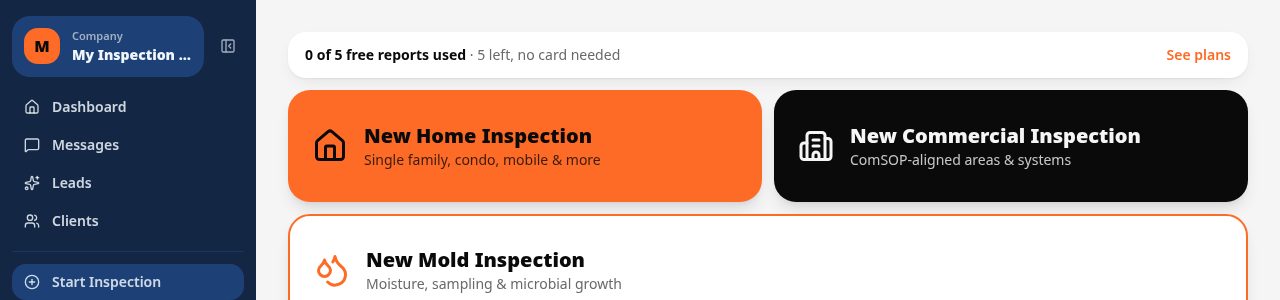
A Core plan is $39/mo with unlimited inspections, and a Pro plan is $99/mo for 3 inspectors covering multiple job sites, both with no per-report fees. Start with 5 free reports and no card required.
Spectora starts at $109/mo and Inspector Toolbelt starts at $79/mo (verified Oct 16, 2026), both above what a construction inspector running frequent phase visits pays on Inspect Ace's Core plan.
Keeping punch lists from falling through the cracks
Items flagged at a final walkthrough are easy to lose track of once the crew moves on. Inspect Ace keeps punch list findings tied to photos and notes inside the same project, and the branded report or web link can be sent straight to the builder so outstanding items are documented, not just remembered.
Common construction inspection findings Inspect Ace handles in one tap
Out-of-square framing, missing fire blocking, improperly flashed penetrations and rough-in clearance violations are the findings that repeat from one phase inspection to the next across job sites. Inspect Ace's one-tap defect buttons are built around these recurring call-backs, auto-filling the observation and recommendation so a framing defect found on a Tuesday rough-in reads the same way it would on a Thursday foundation check.
Photographing framing, electrical runs or plumbing stacks before they're covered lets AI suggest the likely defect immediately, which matters most at the phases where a missed issue gets sealed behind drywall or poured concrete. Because foundation type, roofing material and siding are recorded per section, the final report reflects the actual build at each phase rather than a boilerplate description, giving builders and lenders a phase-by-phase record they can trust.
See it on screen
What it costs vs other tools
| Software | Starting price | Free start |
|---|---|---|
| Inspect Ace | $39/mo Core, $99/mo Pro (3 inspectors) | 5 free reports, no card |
| Inspector Toolbelt | $79/mo | See vendor site |
| Spectora | From $109/mo | See vendor site |
Competitor prices from their public pricing pages, checked October 2026.
construction inspection software questions
- Can I run separate templates for each construction phase?
- Yes, you can select a template for pre-pour, foundation, framing, rough-in, insulation or final walkthrough so each visit focuses on what matters at that stage.
- Does it support punch lists at final walkthrough?
- Yes, you can log outstanding cosmetic and functional items as a punch list, separate from structural findings, and track them through to resolution.
- Can I document rough-in work before it gets covered by drywall or insulation?
- Yes, photo and video capture lets you build a permanent visual record of framing, electrical, plumbing and mechanical rough-ins before they are concealed.
- How does material tracking help on new construction?
- You can log the foundation type, roofing material and siding for each phase so the final report accurately reflects the specific build, useful for future reference or disputes.
- Is it usable on a job site with no wifi?
- Yes, entries and photos autosave locally on your phone and sync automatically once you have a connection again.
- Can builders and lenders receive the report directly?
- Yes, you can send a branded PDF or a shareable web report link to the builder, buyer, or lender straight from the site.
- What software do construction inspectors use for phase inspections?
- Inspect Ace offers phase-specific templates for pre-pour, foundation, framing, rough-in, insulation and final walkthrough, with one-tap defect buttons and photo documentation tied to each finding before it gets covered up.
- Is there low-cost software for tracking a construction punch list?
- Yes, Inspect Ace's Core plan is $39/mo with unlimited inspections and no per-report fees, and it includes punch list tracking at final walkthrough with photos tied to each outstanding item.
- Can construction inspection reports be sent the same day as the site visit?
- Yes, Inspect Ace generates a branded PDF or mobile web report on-site, so builders, buyers or lenders can receive the phase report with photo evidence before you leave the job site.
Related solutions
Run your next inspection on it
Your first 5 reports are free. No card, no app store, works on the phone in your pocket.