
industrial inspection software
Industrial Inspection Software for Plants and Equipment
Industrial facilities run on equipment that cannot afford surprise downtime. Inspect Ace gives maintenance and safety teams a mobile checklist for equipment, structural and facility inspections, with one-tap defect codes and photo evidence tied to each asset so problems get caught before they cause a shutdown.
What you get with industrial inspection software
Asset and equipment templates
Run separate templates for machinery, piping, structural steel, storage tanks or facility systems, each with the check points relevant to that asset type.
One-tap defect and severity codes
Flag corrosion, leaks, misalignment or worn components with a tap, auto-filling the observation, severity and recommended action for maintenance planning.
Photo and video evidence per asset
Capture photos and video of corrosion, cracking or leaks tied directly to the specific piece of equipment or structure, building a visual history over time.
AI photo analysis for visual defects
Photograph corrosion, a crack or a leak and get an AI-suggested defect and recommendation to confirm, useful on facilities with hundreds of assets to check.
Material and asset condition tracking
Record material type, such as carbon steel, stainless or concrete, and track condition over repeated inspections to spot degradation trends.
Branded PDF and shareable facility reports
Generate a report per asset, unit or full facility sweep as a branded PDF or web link for maintenance planning, safety files or corporate reporting.
How the workflow runs
- 1
Build the asset inspection plan
Set up templates by equipment or structure type, whether that is rotating machinery, piping, tanks or structural steel.
- 2
Walk the facility
Move through equipment and structures, tapping defect codes for corrosion, leaks or wear and capturing photos at each finding.
- 3
Prioritize by severity
Tag defects by severity so maintenance planning can prioritize urgent repairs over routine monitoring items.
- 4
Deliver the facility report
Generate a branded PDF or web report summarizing findings by asset, ready for maintenance, safety or corporate review.
Why teams switch
- Catch corrosion and equipment wear before it causes downtime
- Build a visual defect history for every major asset in the facility
- Prioritize maintenance work orders using consistent severity ratings
- Standardize inspection checklists across large, multi-asset facilities
- Turn a facility walkthrough into a report the maintenance team can act on same day
How Inspect Ace speeds up industrial inspections
Plants and equipment inspections cover a lot of ground, and a custom template keeps the checklist matched to the actual systems in place.
- Build a custom industrial inspection template, or upload an existing PDF/CSV checklist for AI to draft into a usable template
- Tap one-tap defect buttons for equipment and system findings to fill observation, severity, recommendation and cost range
- Photograph corrosion, leaks or damaged equipment and let AI suggest the likely defect for confirmation
- Attach lab reports or compliance documents as PDFs, with AI summarizing them into the report
- Assign multiple inspectors across a large plant within the same project
- Deliver a branded PDF or web report with a repair cost table for maintenance planning
Why it costs less than other industrial inspection tools
A Core plan is $39/mo with unlimited inspections, and a Pro plan is $99/mo for 3 inspectors, with no per-report fees either way. 5 free reports are available with no credit card.
Spectora starts at $109/mo and Inspector Toolbelt starts at $79/mo (verified Oct 16, 2026), both aimed at property inspection, but useful context for comparing flat monthly pricing against Inspect Ace.
Keeping equipment documentation and lab data together
Industrial inspections often come with separate lab reports or compliance attachments that get disconnected from the field findings. Inspect Ace lets you attach those PDFs directly to the inspection, and AI summarizes the attachment so key data appears alongside the photo-documented equipment findings in one branded report.
Common industrial inspection findings Inspect Ace handles in one tap
Corrosion, leaks, damaged equipment housings and worn seals are the findings that repeat across plant inspections, and Inspect Ace's one-tap defect buttons are built around exactly these recurring equipment issues, filling in observation, severity, recommendation and cost range as soon as a finding is confirmed. A custom template matched to the plant's actual systems keeps the checklist relevant instead of forcing a generic equipment list onto a specialized facility.
Photographing corroded piping or a damaged valve lets AI suggest the likely defect for confirmation, and any lab report or compliance certificate attached to the inspection gets summarized by AI so it appears alongside the photo-documented finding instead of sitting in a separate file. With multiple inspectors able to cover different areas of a large plant within the same project, a full facility sweep finishes with one branded report and repair cost table for maintenance planning, rather than several disconnected write-ups.
See it on screen
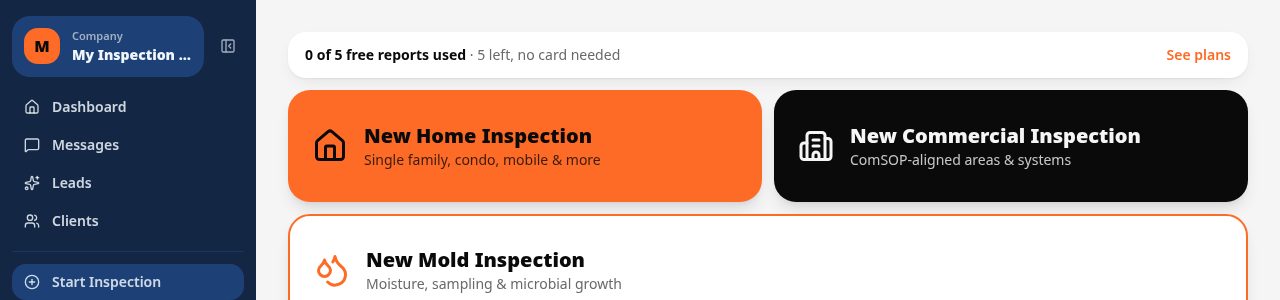
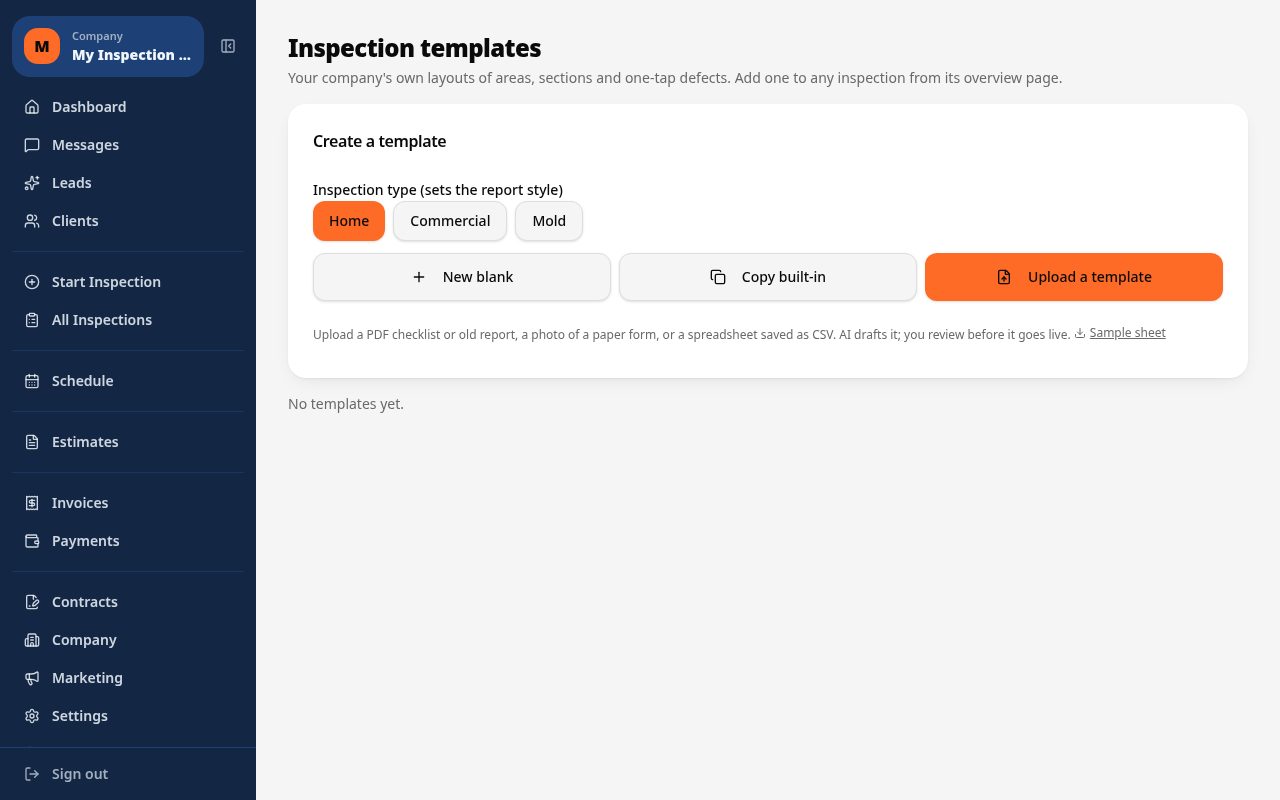
What it costs vs other tools
| Software | Starting price | Free start |
|---|---|---|
| Inspect Ace | $39/mo Core, $99/mo Pro (3 inspectors) | 5 free reports, no card |
| Inspector Toolbelt | $79/mo | See vendor site |
| Spectora | From $109/mo | See vendor site |
Competitor prices from their public pricing pages, checked October 2026.
industrial inspection software questions
- Can I create templates for different types of equipment?
- Yes, you can build separate templates for rotating machinery, piping, tanks, structural steel or other asset types, each with relevant check points.
- Does it help track equipment condition over multiple inspections?
- Yes, because inspections are tied to a specific asset, you can review past findings and photos to spot degradation trends over time.
- Can I prioritize which defects need immediate attention?
- Yes, defects are tagged by severity, letting maintenance planning focus on urgent repairs before routine monitoring items.
- Is this usable in facilities with poor wifi coverage?
- Yes, entries and photos autosave locally on the device and sync automatically once a connection is available.
- Can I track different materials like steel, stainless or concrete?
- Yes, you can record material type for each asset or structure so condition tracking and defect reporting reflect the actual materials involved.
- Can reports be generated for a full facility sweep?
- Yes, you can generate a single branded PDF or web report summarizing findings across every asset checked during a facility-wide inspection.
- What software works for plant and equipment inspections?
- Inspect Ace lets you build a custom industrial inspection template, use one-tap defect buttons for equipment findings, and attach lab or compliance PDFs that AI summarizes alongside the photo-documented findings.
- Is there affordable industrial inspection software for a small team?
- Yes, Inspect Ace's Pro plan is $99/mo for 3 inspectors with unlimited inspections and no per-report fees, or $39/mo for a single inspector, with 5 free reports to try first.
- Can industrial inspection reports include repair cost estimates?
- Yes, Inspect Ace includes a repair cost table in the branded report, with each finding tagged by severity, so maintenance teams can prioritize repairs based on the documented findings.
Related solutions
Run your next inspection on it
Your first 5 reports are free. No card, no app store, works on the phone in your pocket.