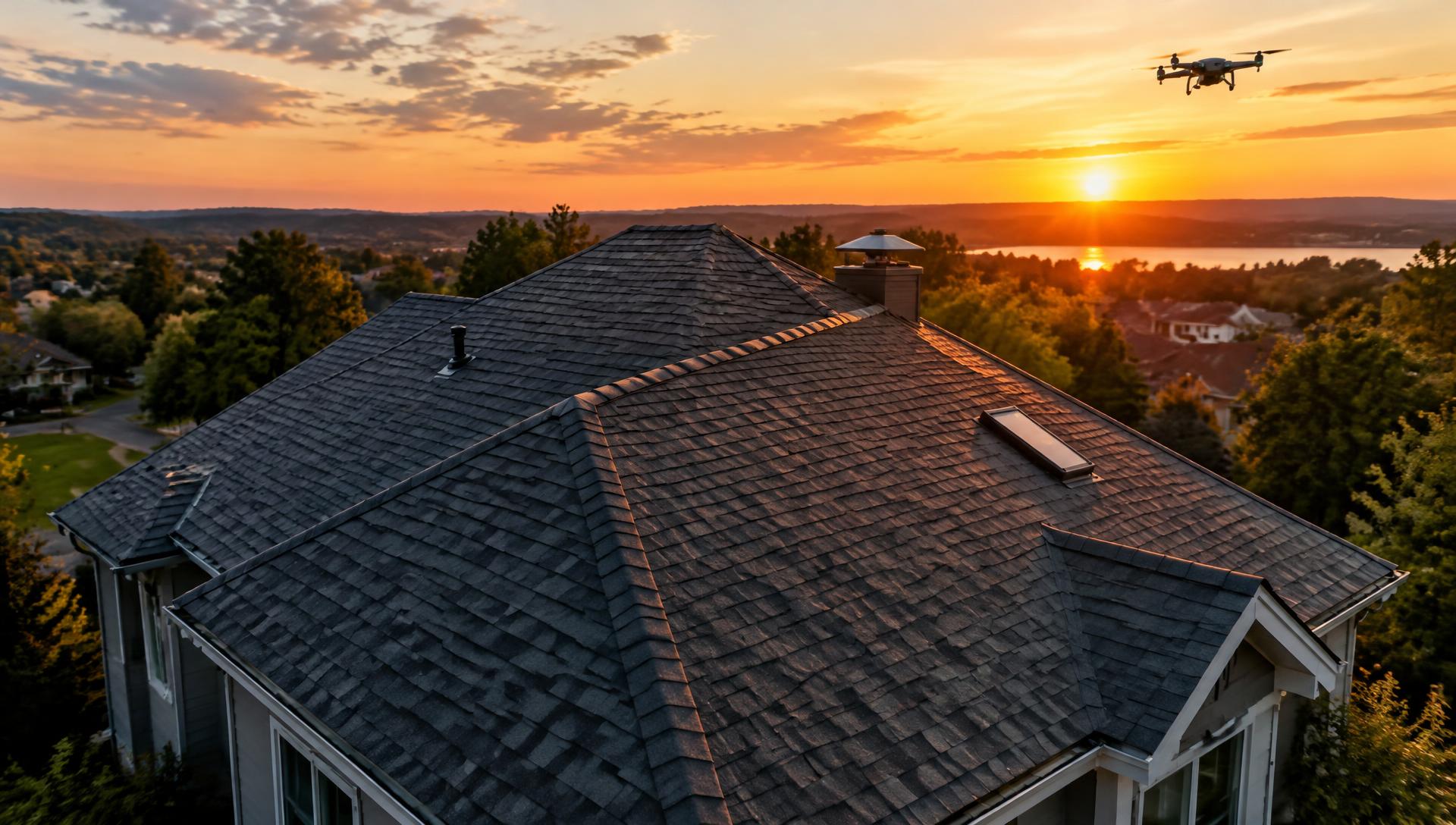
roof drone inspection software
Roof Drone Inspection Software for Faster Roof Reports
Drones get you eyes on a roof without a ladder, but the photos still need to turn into a usable report. Inspect Ace lets you import drone captures straight into a roof inspection template, tag defects to specific roof sections, and generate a branded report the same day, no more sorting through a camera roll after the fact.
What you get with roof drone inspection software
Roof-section templates
Break the roof down into slopes, valleys, flashing, penetrations and gutters so drone photos land in the right section instead of one long unsorted gallery.
One-tap roof defect buttons
Flag missing or lifted shingles, granule loss, ponding water, cracked pipe boots or damaged flashing with a tap, auto-filling the observation, severity and recommendation.
AI photo analysis on drone captures
Run AI photo analysis on drone images to get a suggested defect and recommendation for hail damage, wind uplift or membrane seam failure, which you confirm before it goes into the report.
Material selection by roof section
Log the covering type per slope or section, whether that is asphalt shingle, TPO, standing seam metal or built-up roofing, so the report matches what the drone actually captured.
Photo and video capture from the field
Combine drone stills with ground-level photos and short video walk-throughs of eaves and fascia for a complete visual record.
Branded PDF and shareable web reports
Deliver a report with embedded roof photos as a branded PDF for insurance claims and closings, or a web link the homeowner or property manager can review on any device.
How the workflow runs
- 1
Fly the roof
Capture drone imagery of each slope, valley and penetration point, along with wide shots for context.
- 2
Import and tag photos
Bring the images into the roof template and tag each one to the correct slope, flashing detail or penetration.
- 3
Flag defects
Use one-tap defect buttons or AI photo analysis to identify shingle damage, ponding, flashing failure or granule loss on each tagged photo.
- 4
Generate the roof report
Produce a branded PDF or web report with photos organized by roof section, ready for the homeowner, adjuster or property manager.
Why teams switch
- Skip the ladder without skipping the documentation
- Organize drone photos by roof section instead of a raw photo dump
- Speed up defect identification with AI-assisted photo analysis
- Give insurance adjusters and homeowners a report that matches the visual evidence
- Cover more roofs per day with faster reporting on each one
How Inspect Ace speeds up a drone roof inspection
Drone footage generates a lot of photos fast; the bottleneck is usually sorting through them and writing up each finding afterward.
- Bulk upload drone photos to the Photo Inbox and choose which images AI should analyze for defects
- Let AI suggest the likely defect — cracked tiles, lifted shingles, membrane seams — for each selected photo, confirmed by the inspector
- Duplicate or near-identical frames of the same defect reuse the earlier AI result instead of re-processing
- Tap one-tap defect buttons to fill observation, severity, recommendation and cost range once a finding is confirmed
- Mark up and reorder photos within the report so the roof narrative flows logically
- Generate a branded PDF or web report with photos embedded, ready to send the same day
Why it costs less than other roof inspection tools
Inspect Ace charges $39/mo for a Core plan with unlimited inspections, or $99/mo for a Pro plan with 3 inspectors, and there are no per-report fees regardless of how many drone photos you process. 5 free reports are available with no card required.
Spectora starts at $109/mo and Inspector Toolbelt starts at $79/mo (verified Oct 16, 2026) — both higher than Inspect Ace's Core plan for an inspector running frequent drone-based roof jobs.
Turning a large photo set into a usable report
A single drone flight can produce dozens or hundreds of images. Rather than analyzing every frame, the Photo Inbox lets the inspector pick only the photos worth writing up, and duplicate shots of the same defect skip redundant analysis, so the report stays focused on confirmed findings instead of a photo dump.
Common roof drone findings Inspect Ace handles in one tap
Cracked tiles, lifted or missing shingles, failing membrane seams and ponding water are the findings that show up repeatedly across a drone flight's worth of photos. Inspect Ace's Photo Inbox lets an inspector bulk upload the full set from a flight and select only the frames worth analyzing, with AI suggesting the likely defect for each one so a hundred-photo flight doesn't turn into a hundred manual write-ups.
Once a finding is confirmed, one-tap defect buttons fill in observation, severity, recommendation and cost range, and duplicate or near-identical frames of the same cracked tile or lifted shingle reuse the earlier AI result instead of being re-analyzed. Markup and reordering tools then let the inspector arrange the confirmed findings into a roof narrative that reads logically, from ridge to eave, in the branded PDF or web report that goes out the same day.
See it on screen

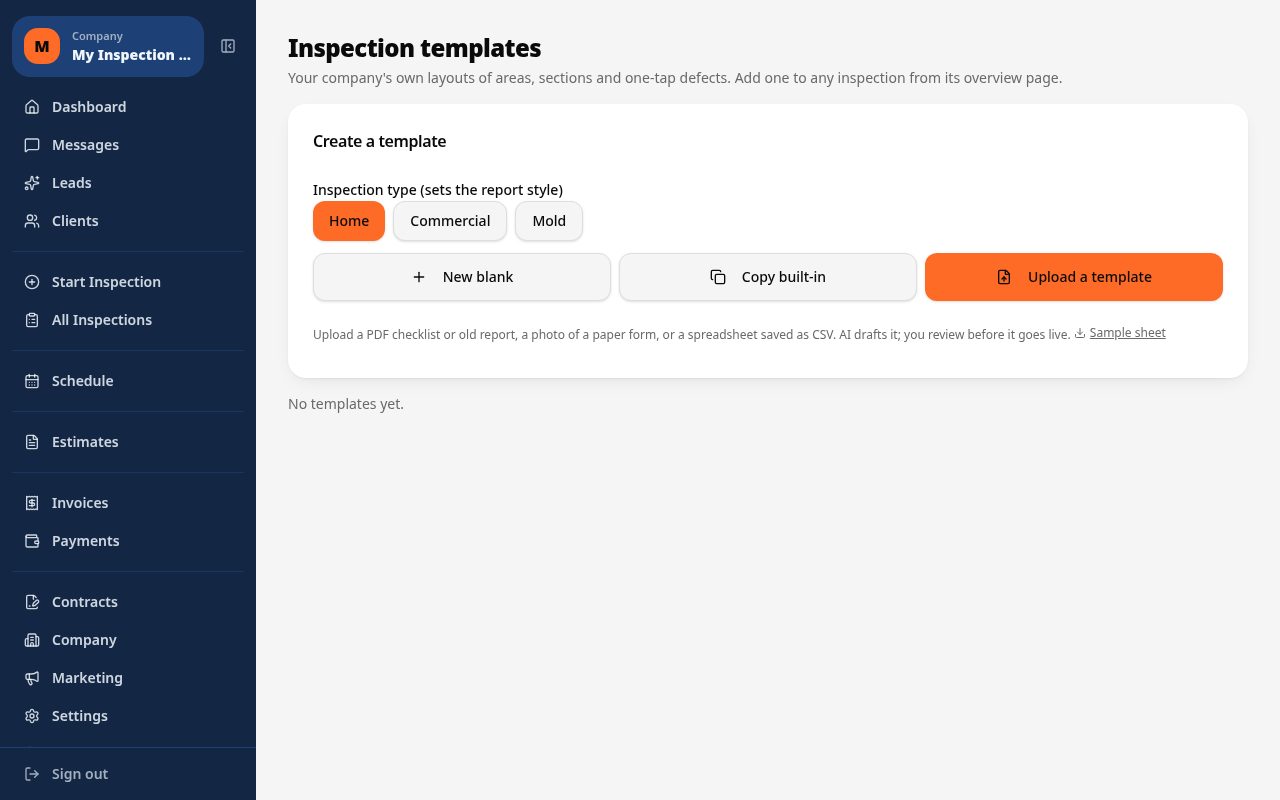
What it costs vs other tools
| Software | Starting price | Free start |
|---|---|---|
| Inspect Ace | $39/mo Core, $99/mo Pro (3 inspectors) | 5 free reports, no card |
| Inspector Toolbelt | $79/mo | See vendor site |
| Spectora | From $109/mo | See vendor site |
Competitor prices from their public pricing pages, checked October 2026.
roof drone inspection software questions
- Do I need a specific drone brand to use Inspect Ace?
- No, you can import photos and video captured by any drone into the roof inspection template, Inspect Ace does not require a specific model.
- Can AI photo analysis identify hail or wind damage?
- AI photo analysis reviews the image and suggests a likely defect, such as granule loss or lifted shingles, which you then confirm or adjust based on your own judgment.
- How are drone photos organized in the report?
- Photos are tagged to the roof section they belong to, such as a specific slope, valley or penetration, so the final report groups them logically instead of listing them in capture order.
- Is this useful for insurance claim documentation?
- Yes, the branded PDF report with embedded, section-tagged photos gives adjusters a clear visual record to support a claim.
- Can I combine drone shots with ground-level photos in one report?
- Yes, drone stills, ground-level photos and short video clips can all live in the same roof template and report.
- Does it track different roofing materials on complex roofs?
- Yes, you can assign a different material, like asphalt shingle on one slope and metal on another, per roof section for accurate reporting.
- What software works best for drone roof inspection photos?
- Inspect Ace's Photo Inbox lets you bulk upload drone photos and choose which ones AI analyzes for defects, with the inspector confirming each suggested finding before it's added to the branded report.
- Can I skip re-analyzing duplicate drone photos of the same defect?
- Yes, Inspect Ace recognizes duplicate photos and reuses the earlier AI analysis result instead of re-processing the same defect twice, saving time when a drone captures multiple angles of one issue.
- Is there low-cost software for a roof drone inspection business?
- Yes, Inspect Ace's Core plan is $39/mo with unlimited inspections and no per-report fees, and a $99/mo Pro plan covers 3 inspectors, with 5 free reports to try before subscribing.
Related solutions
Run your next inspection on it
Your first 5 reports are free. No card, no app store, works on the phone in your pocket.