
vehicle inspection software
Vehicle Inspection Software for Condition and Safety Checks
From a pre-purchase used car inspection to a dealership trade-in walkaround, vehicle condition reporting depends on catching every scratch, leak and mechanical issue and documenting it clearly. Inspect Ace replaces the paper clipboard with a phone-based checklist that photographs, tags and reports every finding.
What you get with vehicle inspection software
Point-by-point vehicle templates
Cover exterior body panels, interior, undercarriage, engine bay, tires and electronics with a template built around how a vehicle is actually walked around.
One-tap defect buttons
Flag panel damage, fluid leaks, worn tires, warning lights or interior wear with a tap, auto-filling the observation, severity and recommendation.
Photo and video capture at every angle
Take photos of each body panel, the odometer, the engine bay and any damage, plus short video for a walkaround record buyers can trust.
AI photo analysis
Photograph a dent, a leak or a worn tire and get an AI-suggested finding and recommendation to confirm, speeding up documentation on higher-volume inspection days.
Material and component condition tracking
Note tire brand and tread depth, interior upholstery condition, and paint condition per panel so the report reflects the actual vehicle, not a generic checklist.
Branded PDF and shareable web reports
Deliver a professional condition report as a PDF for the buyer's file, or a web link they can review instantly on their phone before deciding.
How the workflow runs
- 1
Pull up the vehicle template
Select the point-by-point inspection template covering exterior, interior, undercarriage and mechanical systems.
- 2
Walk around the vehicle
Photograph each panel and system, tapping defect buttons for damage, leaks, wear or warning lights as you find them.
- 3
Test drive and mechanical check
Log findings from the test drive and under-hood inspection, including any warning lights or unusual noises.
- 4
Send the condition report
Generate a branded PDF or web report summarizing overall condition, defects and recommendations for the buyer or dealership.
Why teams switch
- Replace a paper clipboard walkaround with a documented digital report
- Give buyers photo evidence of exact vehicle condition, not vague notes
- Speed up dealership trade-in and pre-purchase inspections
- Standardize condition reporting across every inspector
- Deliver a shareable report the buyer can review before they commit
How Inspect Ace speeds up a vehicle inspection
A vehicle condition report usually comes down to the same set of checks repeated car after car, which is where a custom template pays off.
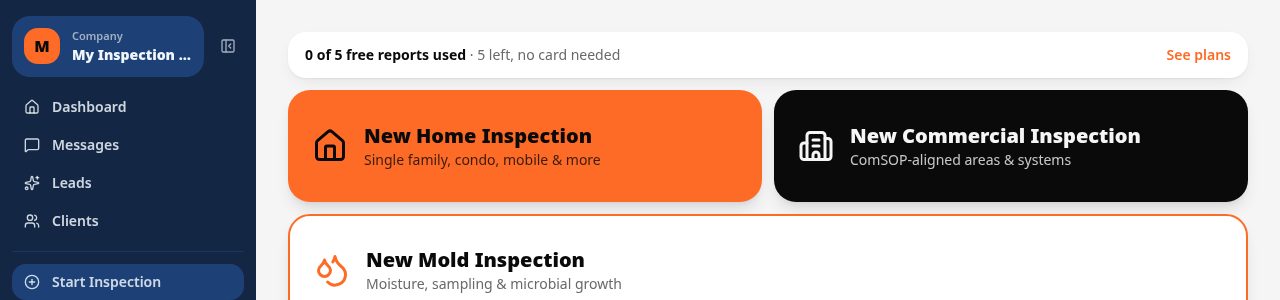
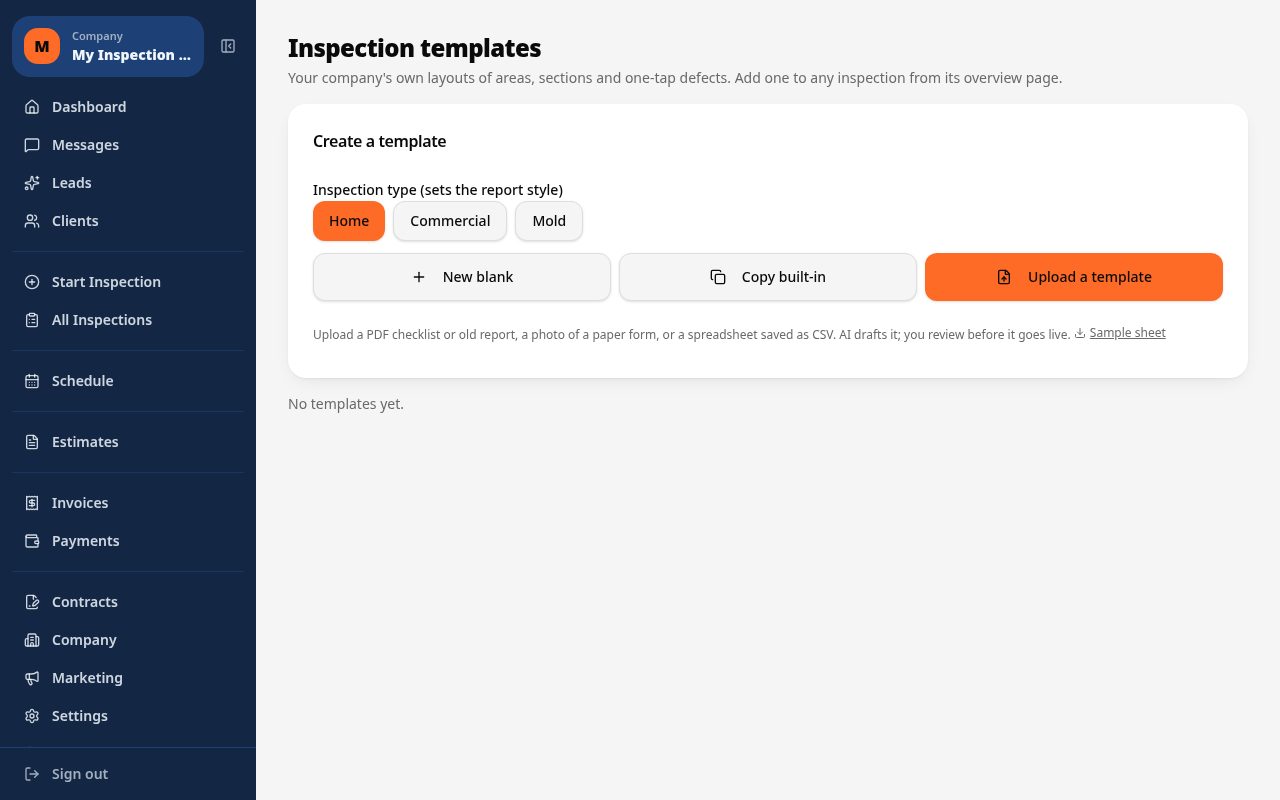
- Build a custom vehicle inspection template, or upload a PDF/CSV checklist and let AI draft it for you
- Tap one-tap defect buttons for dents, rust, tire wear or mechanical issues to fill observation, severity and recommendation
- Photograph exterior and interior condition and let AI suggest the likely defect for confirmation
- Mark up photos to point out specific damage before it's included in the report
- Autosave protects your work in lots and garages with weak signal
- Send a branded PDF or web report to the buyer, seller or fleet manager the same day
Why it costs less than other vehicle inspection tools
A Core plan is $39/mo with unlimited inspections and no per-report fees, and a Pro plan is $99/mo for 3 inspectors. 5 free reports are available with no credit card required.
Spectora starts at $109/mo and Inspector Toolbelt starts at $79/mo (verified Oct 16, 2026), both priced for home inspection rather than per-vehicle condition checks.
Giving buyers and sellers a report they can trust
A vehicle condition report needs to hold up to scrutiny from a buyer, seller or lender. Inspect Ace's branded web report and PDF present photos, marked-up damage points and a clear severity rating per finding, plus a 24/7 client portal so the report can be revisited later without re-sending it.
Common vehicle inspection findings Inspect Ace handles in one tap
Dents, rust spots, uneven tire wear and mechanical issues like fluid leaks are the findings that come up on most vehicle condition reports. Inspect Ace's one-tap defect buttons fill in observation, severity and recommendation for these recurring issues, so a condition report reads the same way whether it's written up in a driveway or a dealer lot.
Photographing exterior panels or the engine bay lets AI suggest the likely defect for the inspector to confirm, and photo markup tools let specific damage, like a scratch or a dent, be pointed out directly on the image before it's included in the report. Because autosave keeps the inspection protected even in a garage or lot with weak signal, an inspector can move from vehicle to vehicle without worrying about losing a half-finished write-up, finishing each one with a branded PDF or web report ready to hand to the buyer, seller or fleet manager.
See it on screen
What it costs vs other tools
| Software | Starting price | Free start |
|---|---|---|
| Inspect Ace | $39/mo Core, $99/mo Pro (3 inspectors) | 5 free reports, no card |
| Inspector Toolbelt | $79/mo | See vendor site |
| Spectora | From $109/mo | See vendor site |
Competitor prices from their public pricing pages, checked October 2026.
vehicle inspection software questions
- Is this suitable for pre-purchase used car inspections?
- Yes, the point-by-point template covers exterior, interior, undercarriage and mechanical systems typically checked before a used vehicle purchase.
- Can dealerships use it for trade-in condition reports?
- Yes, dealerships can use the same walkaround template to document trade-in condition consistently across every appraiser.
- Does it capture tire tread depth and paint condition?
- Yes, you can log tire brand and tread depth, and note paint or body condition per panel, so the report reflects the vehicle's actual condition.
- Can I include test drive notes in the report?
- Yes, you can add findings from the test drive, including warning lights or unusual noises, alongside the visual inspection results.
- How fast can I get a report to a buyer?
- You can generate a branded PDF or shareable web report on-site immediately after finishing the walkaround.
- Does AI photo analysis help identify body damage?
- Yes, photographing a dent, scratch or leak prompts an AI-suggested finding and recommendation, which you confirm before it is added to the report.
- What software is good for vehicle condition reports?
- Inspect Ace lets you build a custom vehicle inspection template with one-tap defect buttons for dents, rust and mechanical issues, plus photo markup, and delivers a branded PDF or web report the same day.
- Is there low-cost vehicle inspection software for one inspector?
- Yes, Inspect Ace's Core plan is $39/mo with unlimited inspections and no per-report fees, and you can try 5 free reports before subscribing, with no credit card required.
- Can buyers view a vehicle inspection report later without a new copy?
- Yes, Inspect Ace includes a 24/7 client portal where buyers, sellers or fleet managers can revisit the branded web report anytime without asking the inspector to resend the PDF.
Related solutions
Run your next inspection on it
Your first 5 reports are free. No card, no app store, works on the phone in your pocket.