
fleet inspection software
Fleet Inspection Software for Faster Vehicle Checks
Keeping a fleet road-ready means catching worn brakes, leaking fluids and cracked tires before they turn into a breakdown or an out-of-service order. Inspect Ace gives fleet managers and drivers a mobile checklist that documents every vehicle in minutes, with photo evidence and a defect history for each unit.
What you get with fleet inspection software
Vehicle-specific templates
Run separate templates for tractors, trailers, box trucks and light-duty vehicles, each covering the systems relevant to that vehicle type.
One-tap defect buttons
Flag worn brake pads, low tread depth, fluid leaks or cracked lights with a tap, auto-filling the observation, severity and recommended action.
Photo and video evidence
Capture photos of tire wear, undercarriage leaks or body damage at the point of inspection, tied directly to the affected vehicle's record.
Vehicle history tracking
Every inspection is logged against the vehicle so you can pull up a defect history and see recurring issues before they become bigger repairs.
Offline-friendly capture at the yard
Truck yards and rural routes often have weak signal. Inspect Ace autosaves inspections locally and syncs once a connection is available.
Branded PDF and web reports for compliance files
Generate a report per vehicle or per fleet sweep as a branded PDF or web link for your maintenance team, safety officer or compliance file.
How the workflow runs
- 1
Select the vehicle
Pull up the vehicle profile and choose the matching template for a tractor, trailer or light-duty unit.
- 2
Run the inspection
Check brakes, tires, lights, fluids and body condition, tapping defect buttons and photographing issues as you find them.
- 3
Flag out-of-service items
Mark any defect severe enough to take the vehicle out of service so dispatch and maintenance are alerted immediately.
- 4
File the inspection report
Generate a branded PDF or web report tied to the vehicle record for your compliance file and maintenance history.
Why teams switch
- Catch worn brakes and tires before they cause a breakdown
- Build a defect history for every vehicle in the fleet
- Standardize inspection checklists across drivers and yards
- Flag out-of-service conditions immediately, not after the fact
- Keep compliance-ready records without paper checklists
How Inspect Ace speeds up fleet inspections
Fleet inspections repeat the same checklist across many vehicles, so the time savings compound fast with the right template.
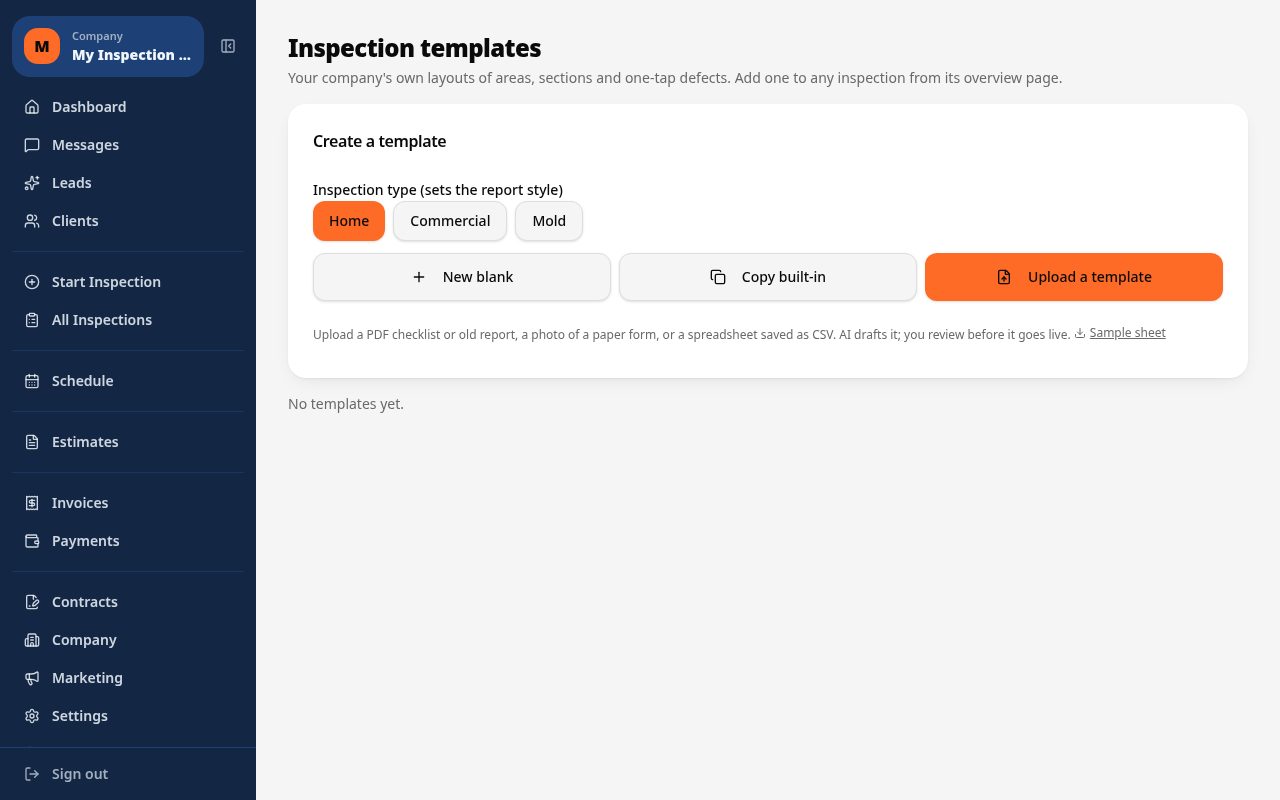
- Build a custom fleet inspection template once, or upload an existing PDF/CSV checklist for AI to draft into a usable template
- Tap one-tap defect buttons for common findings like worn tires, fluid leaks or brake wear to auto-fill observation and severity
- Photograph damage or wear and let AI suggest the likely issue for the inspector to confirm
- Assign multiple inspectors to cover a larger fleet within the same project
- Autosave keeps working in yards and garages with weak signal
- Generate a branded PDF or web report per vehicle, or review them together across the fleet
Why it costs less than other fleet inspection tools
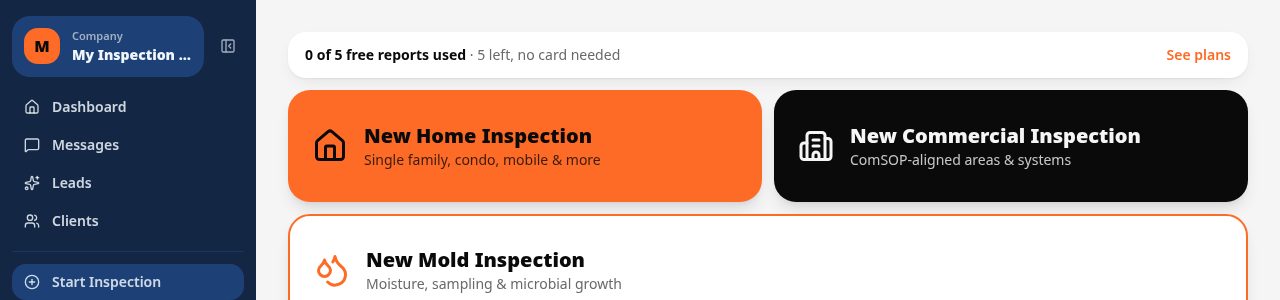
Inspect Ace's Pro plan is $99/mo for 3 inspectors with unlimited inspections and no per-report fees, which suits a fleet manager running daily vehicle checks across a crew. A Core plan is $39/mo for a single inspector. Start with 5 free reports, no card required.
Spectora starts at $109/mo and Inspector Toolbelt starts at $79/mo (verified Oct 16, 2026), both built around home inspection rather than a flat per-inspector rate for high-volume fleet checks.
Keeping checklists consistent across every vehicle and inspector
When several inspectors are checking different vehicles in the same fleet, inconsistent write-ups make it hard to compare condition over time. Inspect Ace's one-tap defect buttons and custom templates keep the same language and severity scale in use across the whole crew, and the AI learns your company's past corrected wording so reports get more consistent with use.
Common fleet inspection findings Inspect Ace handles in one tap
Worn tires, fluid leaks, brake wear and body damage are the findings that repeat across nearly every vehicle in a fleet, which is exactly what Inspect Ace's custom template and one-tap defect buttons are built to handle. Instead of describing the same tire tread issue differently on vehicle twelve than on vehicle one, the inspector taps the same button each time and the observation, severity and recommendation stay consistent across the whole fleet.
Photographing a leak or a damaged panel lets AI suggest the likely issue for confirmation, which speeds up yard and garage checks where dozens of vehicles need to be processed in a single visit. With multiple inspectors able to work the same fleet project at once and autosave protecting data in areas with weak signal, a full fleet sweep can move from vehicle to vehicle without losing time to connectivity or repetitive typing, finishing with a branded report per vehicle or a combined fleet-wide view.
See it on screen
What it costs vs other tools
| Software | Starting price | Free start |
|---|---|---|
| Inspect Ace | $39/mo Core, $99/mo Pro (3 inspectors) | 5 free reports, no card |
| Inspector Toolbelt | $79/mo | See vendor site |
| Spectora | From $109/mo | See vendor site |
Competitor prices from their public pricing pages, checked October 2026.
fleet inspection software questions
- Can drivers run inspections from their own phones?
- Yes, the mobile app lets drivers complete pre-trip or post-trip inspections on their phone, with entries syncing to the fleet's central records.
- Does it track defect history per vehicle?
- Yes, every inspection is logged against the specific vehicle, so you can review recurring issues and repair patterns over time.
- Can I flag a vehicle as out of service directly from the inspection?
- Yes, defects can be marked by severity, including out-of-service level, which flags the vehicle for immediate attention before it goes back on the road.
- Does it work in truck yards with poor cell signal?
- Yes, inspections autosave locally on the device and sync automatically once a signal is available.
- Can I run different checklists for different vehicle types?
- Yes, you can set up separate templates for tractors, trailers, box trucks and light-duty vehicles based on the systems each one needs checked.
- Can reports be exported for a compliance file?
- Yes, each inspection can be generated as a branded PDF or shareable web report and kept as part of your maintenance or compliance records.
- What software works for daily fleet vehicle inspections?
- Inspect Ace lets you build a custom fleet inspection template and use one-tap defect buttons for common findings like tire wear or fluid leaks, with multiple inspectors able to work across the fleet in the same project.
- Is there affordable software for a small fleet inspection team?
- Yes, Inspect Ace's Pro plan is $99/mo for 3 inspectors with unlimited inspections and no per-report fees, or $39/mo for a single inspector, with 5 free reports to try first.
- Can fleet inspection reports stay consistent across different inspectors?
- Yes, custom templates and one-tap defect buttons keep observation language and severity ratings standardized, and Inspect Ace's AI learns your company's past corrected wording so write-ups get more consistent over time.
Related solutions
Run your next inspection on it
Your first 5 reports are free. No card, no app store, works on the phone in your pocket.